

HBN Smart Plug Mini 15A, WiFi Smart Outlet Works with Alexa, Google Home Assistant, Remote Control with Timer Function, No Hub Required, ETL Certified, 2.4G WiFi Only, 4-Pack
$7.40
Related Products

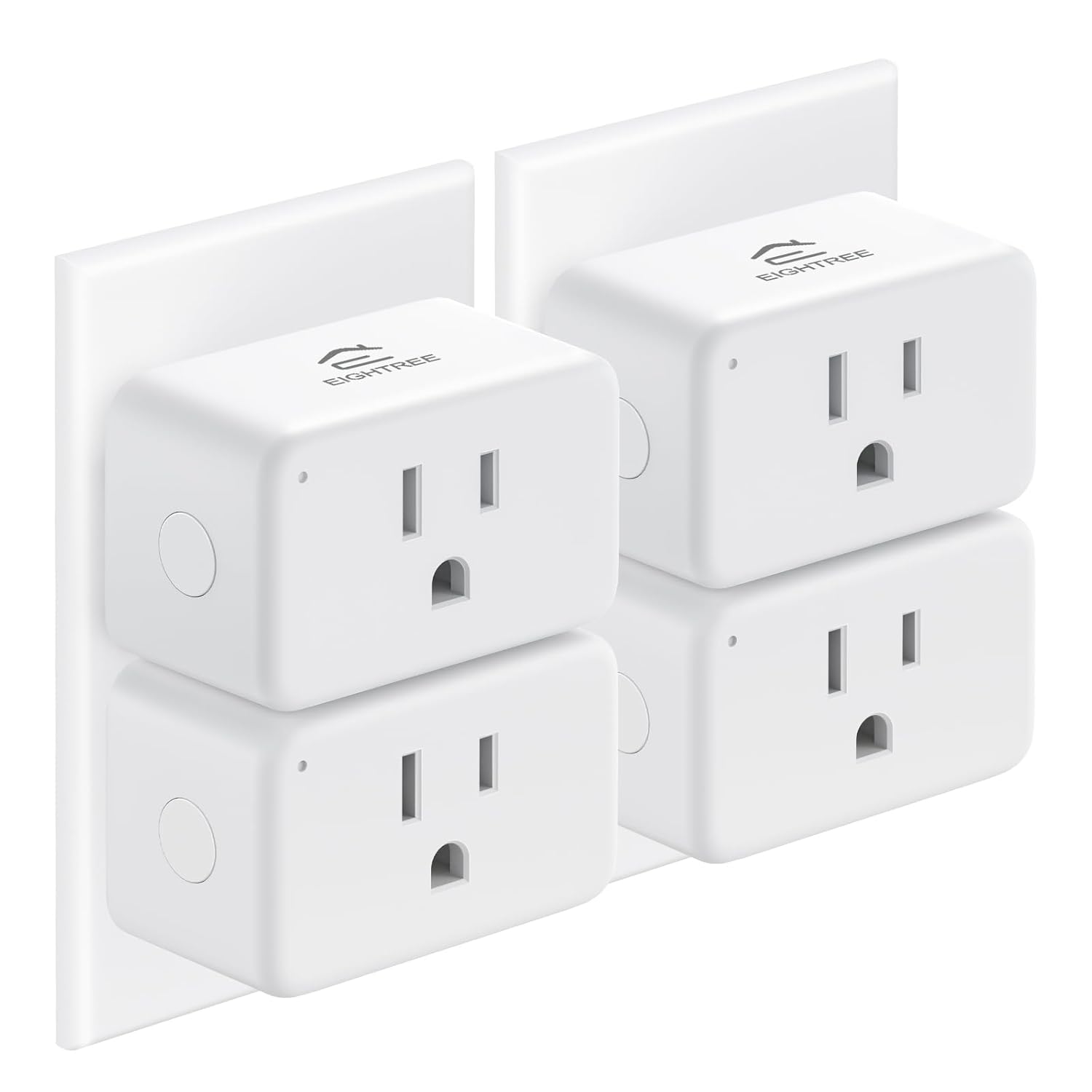


Product description


Countdown Timer
Set a timer for the connected device to automatically turn off when the time runs out.
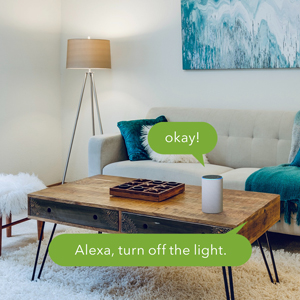
Voice Control
Voice commands from Google Assistant and Alexa to control the device to free up your hands.

Grouping Function
Set a scene for controlling all outlets with one command.
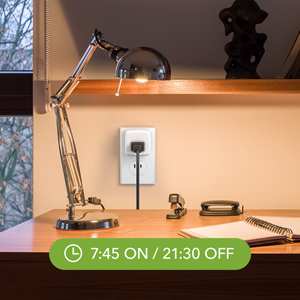
Timer Setting
Use timer or countdown schedules to automatically turn on and off any home electronics and appliances.
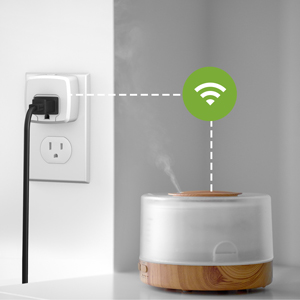
No Hub Required
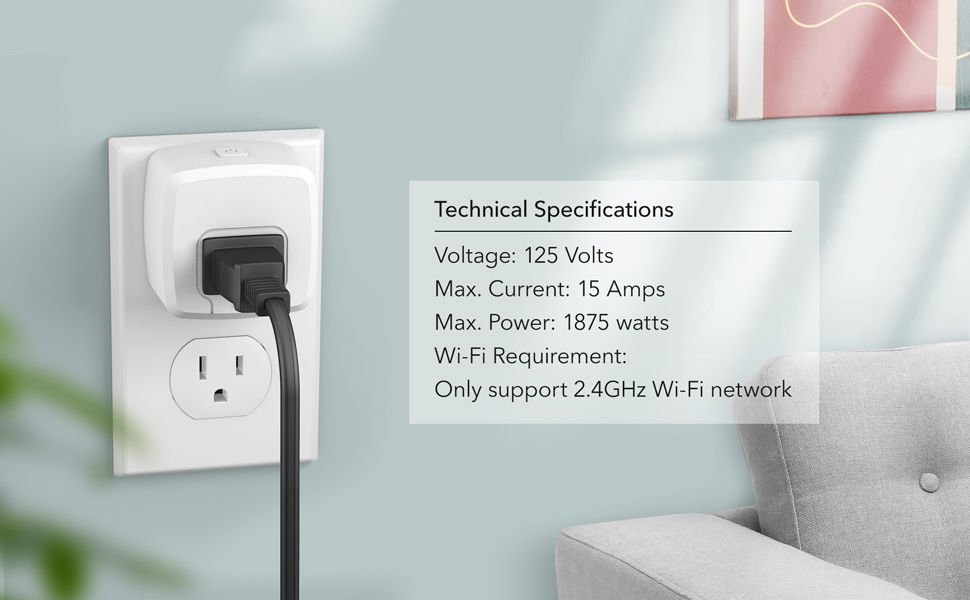
HBN Mini Smart Plug works with 2.4 GHz WiFi Only.

Share Device
Share the HBN Smart app with your family members to control devices.
Add to Cart
Add to Cart
Add to Cart
Add to Cart
Add to Cart
Customer Reviews
4.1 out of 5 stars 17,378
4.1 out of 5 stars 17,378
4.0 out of 5 stars 8,858
4.0 out of 5 stars 8,858
4.0 out of 5 stars 8,858
Price
$20.99$20.99 $29.59$29.59 $14.99$14.99 $18.99$18.99 $21.99$21.99
Compatible with Alexa and Google Assistant
✓
✓
✓
✓
✓
Indoor/Outdoor
Indoor Indoor Indoor and Outdoor Indoor and Outdoor Indoor and Outdoor
Number of Outlets
1 2 1 2 3
Controlled by App
HBN Smart/Smart Life HBN Smart/Smart Life HBN Smart/Smart Life HBN Smart/Smart Life HBN Smart/Smart Life
Voice Control
✓
✓
✓
✓
✓
Plug In/In-Wall
Plug In Plug In Plug In Plug In Plug In
Individual Control
no data
✓
no data
✓
✓
CONTROL FROM ANYWHERE – Turn lights, fans, and appliances on or off automatically from anywhere in the world with your smartphone anytime via the HBN Smart app.
TIMER AND SCHEDULE SETTING- Use timer or countdown schedules to automatically turn on and off any home electronics and appliances such as lamps, fans, humidifier, Christmas lights etc. For example, setting lights to come on at dusk or turning off at sunrise to reduce energy consumption and save money.
VOICE CONTROL – Simply voice command to control multiple home devices with our smart outlet via Alexa or Google Home. Enjoy the hands convenience of controlling any home electronic appliances. Made for everyone, Perfect for elderly, disabled or if the plug is hard-to-reach.
GROUP CONTROL & FAMILY SHARE- Set a scene for controlling all outlets with one command. Share the HBN Smart app with your family members to control devices.
EASY INSTALLATION & WARRANTY- Simply download the HBN Smart App and follow the setup instructions to connect your smart plugs. No hub is required, and it operates on a 2.4GHz network. ETL-certified for safety.
9 reviews for HBN Smart Plug Mini 15A, WiFi Smart Outlet Works with Alexa, Google Home Assistant, Remote Control with Timer Function, No Hub Required, ETL Certified, 2.4G WiFi Only, 4-Pack
Add a review
$7.40
Angel Smurf –
Super Easy to Use and Works Perfectly!
I’m really impressed with the HBN Smart Plug 15A WiFi Outlet. Setup was incredibly easy—just plug it in, connect through the app, and it was ready to go in minutes. Even if you’re not tech-savvy, this is one of the simplest smart plugs to get up and running.It responds quickly, works flawlessly with my routines, and the connection stays stable. I love being able to turn things on and off remotely and set schedules without any hassle. The plug itself feels sturdy and well-made, and the 15A capacity is great for heavier appliances.If you want a smart plug that’s easy, reliable, and user-friendly, this one is a winner! Highly recommend. 🏡✨
Loretta Sweeting –
Functional gadgets
They help within the home, my kids turn me on to them, just loving them.
Rood Sixty-Seven –
Great Internet Connected Switches
Bear with me, and I’ll explain four stars when in the specifics I rate as three stars.For a Internet / Bluetooth integrated home automation switch that does not require any mainstream voice activated device; these are fabulous. 2.4GHz WiFi, a smartphone or tablet on the same network, and your good to go.These work great, the app is simple enough to use or as complex as you may require. I now have eight of these, with six in use, and two that I haven’t found a spot for yet (bought in the 2/pack option as it is the most economical at the time).My initial purchase, with NetGear wireless router was easy to set up with the Tulia app. But this was an old router and we were having other issues, so I replaced it with a Linksys. This is where my issues with this product begin.You CANNOT just change network connection devices, the plugs have to be removed from the old one and added to the new one. Also, the first four I bought worked with the Tulia app, the second purchase of four more will not. I had to change to the companies other app, SmartLife. Same layout, same features, just a different name in the surface; yet, obviously, different programmatically.As I had named each plug, and each individual socket, changing apps and routers was a giant pain. Honestly, this didn’t take a long time, but it’s 30-45 minutes wasted for lack of thought. And longer wasted renaming and setting back up the schedules I had created.Once configured, these things are awesome!1 outside for Christmas Lights (at the time I’m writing this)1 in the front room for the tree2 in the living room for standup lamps on opposite sides of the room1 in the bedroom for night stand lamps1 in the back bedroom for decorationsAll of the Christmas lights are in a group, with a schedule to come on twenty minutes before sunset (local time by location) and go off at 2230.My wife night stand lamp comes on and goes off at a set time, so she doesn’t have to turn on the overhead light when going to bed.The living room lights are set to come on thirty minutes before sunset, and off 2230. And a second schedule to come on before we get up in the morning, and go off after we leave for work. Plus, these are on different schedules for the weekend vs week days.These are perfect for giving the house a lived in look of people being home, even when we’re not. We don’t usually stay out late, so we come in to a lit home. Now that things are set up, I can control the switch or individual socket from anywhere in the world that I have internet service. Or they’ll run their schedule for the days set.*My MAJOR Gripe*The switch in the master bedroom has two lamps, both with low wattage LED bulbs. They will not both stay on at the same time. I don’t know if this is due to an overload and auto shutoff safety feature, or I have a bad switch. But I can turn both on, and a few minutes later they shut off. Turn one on, and it stays on until scheduled off time or manually turned off.
Miles –
Synchronization made easy; loving the app
UPDATE 12/06/23: It’s been exactly one year since I installed these and they still work. It turns up all the xmas lights on at once. Very convenient. I love the “Reverse Scene” function that comes with the Scene scheduling. Basically, with that function, you only have to program a single schedule that covers both the ON and OFF times. How convenient!Installed 9 of these fairly easy. Already got mine to all start at 5:30pm and end at 5:30am.First thing I did was scan the QR code to install the app then ignored the paper instruction. The app is everything and all that is needed.To make the installation easy, don’t plug this thing yet until you are on step 1 on the app (there are only 3 steps).Step 1: Plug it in, see the red light (it powers on its own) then click next.Step 2: Hold the power button for 5 seconds until it powers off, then you will see a red and purple/pinkish light alternating. Tap on the little circle to on the app to confirm.Step 3. Click next and let it do its thing for about a minute or two.Pros: The app is what sold it for me. It is much more user friendly and has better features than my Lutron app which I use use for my hard-wired smart switches, and I paid less for everything.Cons: Nothing for now but will update if any of them 9 I installed fails. I wish they were smaller coz they are taking up the space for other socket.Other thoughts:Always good to test once installed. Also, it helped that both my router and wired repeater are dual-band. 2.4 Ghz is really all you need; perfect for long range band and besides, it’s not meant for passing any other internet traffic. It has one purpose. 5 Ghz would have been an overkill.
fabián m. –
Es un gran producto, una maravilla
Tiffany –
Fonctionne très bien également surtout pas compliqué à installer.
Eddy –
It is a great buy so far. Using it to remotely turn on the lights and heat in my garage. Works great! Easy setup and a breeze to use. It will be nice to have a warm garage to go to in the winter.
SJ –
Setup was a little Confusing. Trying to get the blue light to flash for syncing.
Ernie –
Great product. I use a lot of these.