

Kasa Smart Plug Mini 15A, Smart Home Wi-Fi Outlet Works with Alexa, Google Home & IFTTT, No Hub Required, UL Certified, 2.4G WiFi Only, 4-Pack(EP10P4) , White
$29.99
Related Products

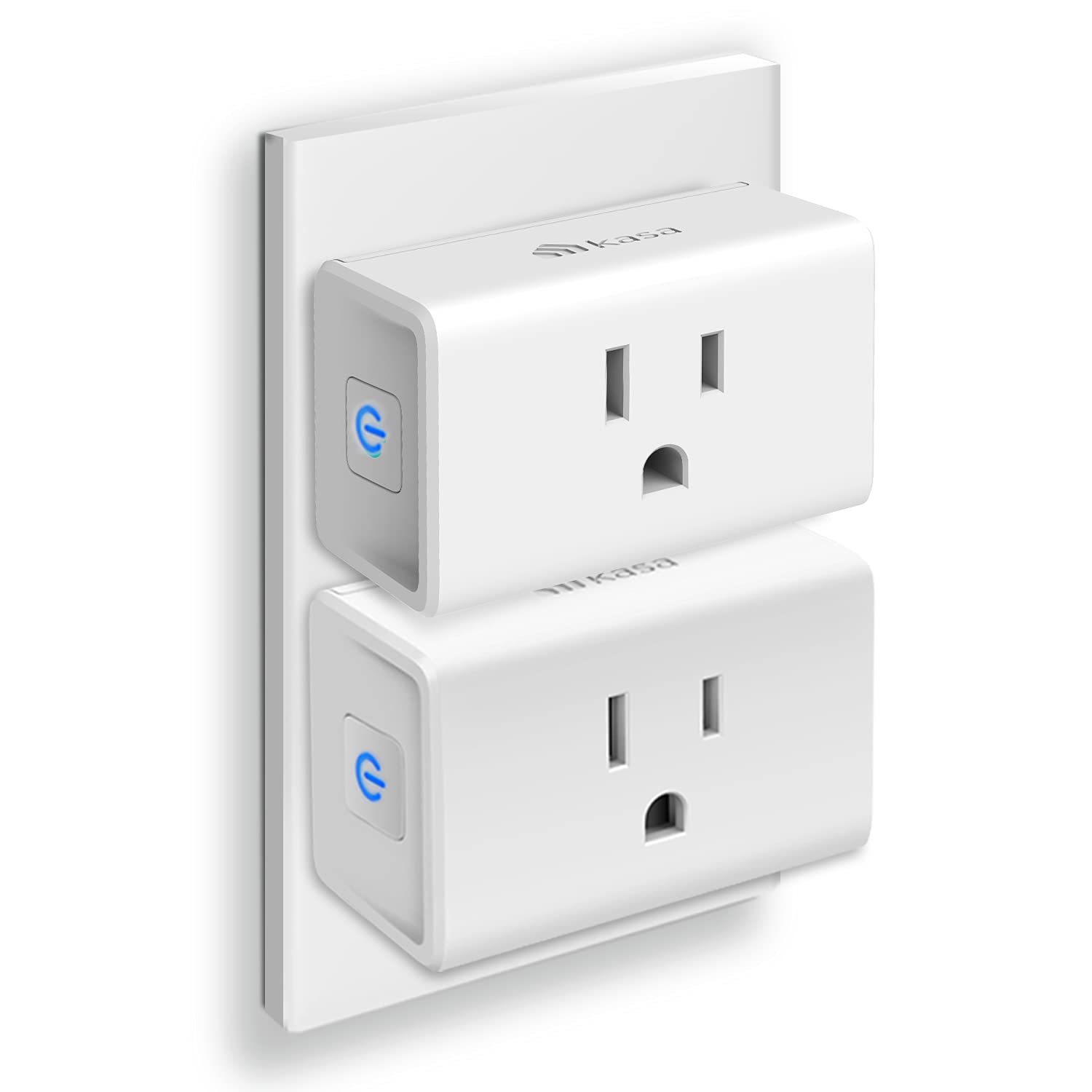

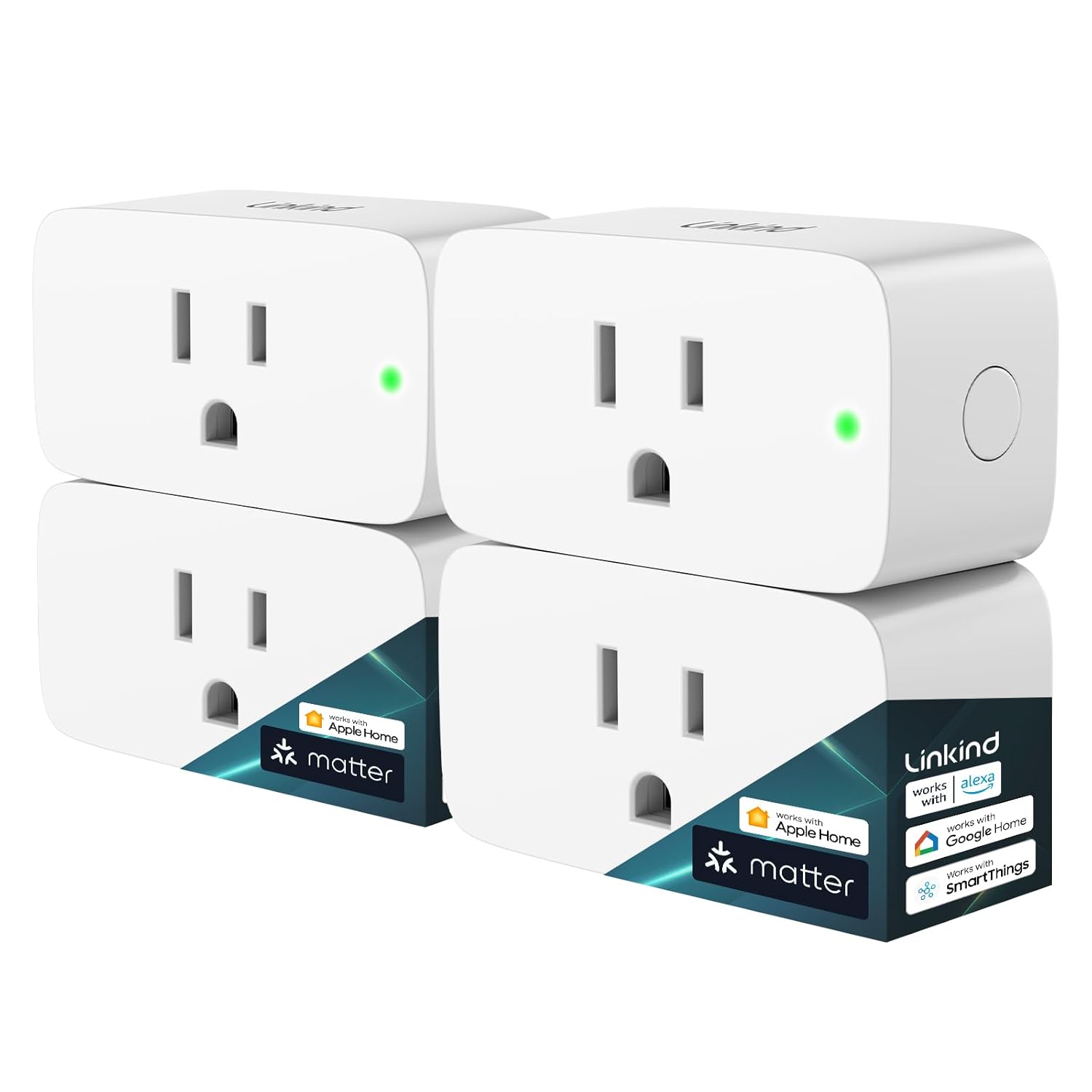


Instantly bring smart automation to your home’s outlets with the Kasa Smart Wi-Fi Plug Mini (EP10P4) 4-Pack. These plugs feature an ultra-compact design, ensuring to never block the second outlet on a standard wall socket and maximizing your available power. Simply plug in, connect to your existing 2.4 GHz Wi-Fi network (no hub required), and gain effortless control over lights, fans, small appliances, and more using the Kasa Smart or Tapo app. Automate your life and save energy with powerful features like Voice Control via Amazon Alexa, Google Assistant, and Samsung SmartThings, customizable Schedules and Timers to automatically manage devices, and Away Mode to simulate occupancy for enhanced home security. Designed with a 15A max load and UL Certified flame-retardant materials for guaranteed safety, the EP10P4 is the simple, safe, and space-saving way to build a smarter, more efficient home. The device is built to operate reliably in common household environments with an operating temperature range of 32°F to 104°F. Package includes 4x EP10 Smart Mini Plug and a Quick Start Guide. RoHS, FCC, IC, and UL certified with system requirements of Android 5.0 or higher or iOS 10.0 or higher.
Voice control: Kasa smart plugs that work with Alexa and Google Home Assistant. Enjoy the hands free convenience of controlling any home electronic appliances with your voice via Amazon Alexa or Google Assistant
Easy set up and use: 2.4GHz Wi-Fi connection required. Plug in, open the case app, follow the simple instructions and enjoy. Kasa app reqiured
Scheduling: Use timer or countdown schedules set your smart plug to automatically turn on and off any home electronic appliances such as lamps, fan, humidifier, Christmas lights etc.
Smart Outlet Control from Anywhere: Turn electronics on and off from anywhere with your smartphone using the Kasa app, whether you are at home, in the office or on vacation.
Trusted and Reliable: Kasa is trusted by over 6 Million users and being the Reader’s Choice of PCMag 2020. UL certified for safety use. 2-year warranty.
10 reviews for Kasa Smart Plug Mini 15A, Smart Home Wi-Fi Outlet Works with Alexa, Google Home & IFTTT, No Hub Required, UL Certified, 2.4G WiFi Only, 4-Pack(EP10P4) , White
Add a review
$29.99
Malicorneus –
Easy setup, works just fine
My Wemo smart switches suddenly became not so smart when Belkin scrapped the line. The not only stopped working with the Wemo app, they stopped working with Google Home. So I was reduced to actually switching the lights on and off. Manually. With my hands. Jeezopete.So I sprung for this pack and it works really well. I didn’t need four of the things, but I find I always find another place I could use them.These particular ones are only really suitable for lamps and other low-wattage devices, and I did have to move some furniture, like my desk, to get the plugs in place but all is good.BTW, talking about plugs in place: it’s best to set these up (plug into the wall, setup the WiFi, name the device and its final location) in a place that’s easy to access. The switch saves all the settings when unplugged so you don’t need to set it up in its final location (like behind my desk).
Mark H. in the Garage –
Reliable Smart Plugs With Tons of Everyday Uses
These Kasa Smart Plug Minis are amazing little smart outlets, and I’ve ended up using them all over the house.We primarily use them for lamps on pre-programmed schedules, which makes the house look and feel occupied even when we’re away. They’ve also been great for seasonal decorations. I have several installed on our front porch (protected from the weather) powering holiday blow-up decorations in the yard, all running automatically on a schedule.One of our favorite uses is on the Christmas tree. Being able to simply ask Alexa to turn the tree on or off is one of those small conveniences that quickly becomes something you don’t want to live without.Setup is easy, reliability has been excellent, and the added features through the app provide a lot of value for the price. These smart plugs are a simple upgrade that genuinely improves everyday life.
Mark Bernard –
Reliable, Easy Setup, and Works Flawlessly with Google Home
I’ve been using the Kasa Smart Plug Mini for a while now and it’s been rock solid. Setup was quick and straightforward using the Kasa app, and it connected to Wi-Fi without any issues. Within minutes I had it integrated with Google Home. I did have to read the directions on how to integrate them with Google Home…which was annoying but it works!The plug is compact enough that it doesn’t block the second outlet, which is a big plus. I’m using it for lights that I don’t want to have to redo electrical for to put on switches and have had no issues!Overall, this is an excellent smart plug for the price—simple, dependable, and does exactly what it’s supposed to do. Highly recommended for anyone starting out with smart home devices or adding more automation.
rmchatham –
Not Working as Advertised
Loved these guys when I first set. Them up. Nothing but trouble now. Will post a follow up when I find out more.Love was justified. I had screwed them up when I tried to replace my lagging spectrum router. Funny part was I tried a tp link mesh system and it would not recognize the tp link Kasa plugs. Short story is follow the instruction sequence. Be sure to remove them from the system and then reset the plugs.In effect you are starting over. Also, their algorithm maintains some residency on your phone, so even though you have factory reset them, the system may ask you for a reset. Do that. Also helped I think to reset my phone before I started.Finished and reassigned seven plugs in probably 20 minutes once I resigned myself to removing them before setting up again. Using on o/s house and tree lighting, Is house lighting and my favorite, as an interface between outlet and power cord of devices that may need occasional rebooting, such as modem or Dish receiver. Ideal for that application. These plugs are simple and work great. Matter plugs seem even more adaptable but cost twice as much. I have two, but wound up with the minis bc my little system doesn’t seem to need the Matter version. Kasa app is very robust and versatile, reliable and very easy to use. Great product.
Archie Goodwin –
When it works, it’s great; when it doesn’t, it’s hugely frustrating
I have six of these now and they are very useful even in a small apartment for automating lights, fans, and computer equipment.I live in a small studio. I use these partly to turn off my computer equipment so the LED lights don’t make the room bright at night. The smart plugs themselves have their own bright LEDs, though! You can get a separate app (Watt, not Kasa) that lets you disable the LEDs (turning on “night mode”).Occasionally one of these smart plugs is hard to set up, meaning you have to work through the setup sequence a dozen times or more, resetting in between. Of six that I set up, three had this problem. Two eventually worked, but it takes a few minutes to go through the whole sequence, so you can waste an hour or more if you get a challenging one.The last one I tried to set up didn’t work even after 40 tries over three days, meaning several hours of wasted effort. I happened to get a rating request from TP-Link while I was working on this. I detailed my frustrations and they helpfully offered to troubleshoot and replace the plug when it was clear that the standard process wasn’t working.The process for replacement is that you first exchange several emails with them, where they ask for the serial number and other details. Once they confirm it’s not working, they issue an RMA, then ask you to enter the same information you already gave them via email on their website. Then you need to notify them that you’ve done this, then they send you back to the website to enter your address and choose how to receive the replacement. This entails mailing the non-working plug back to them at your own cost, or choosing the “convenience” option that costs more than just buying two new ones from Amazon.They are very friendly and helpful, but the whole process takes a couple of hours over several days of back-and-forth. It definitely wasn’t worth the time or effort for me — much better to just order a new one than waste so much time after already wasting hours on the initial setup. I got sucked into it step-by-step since it wasn’t clear at the beginning how complex and time-consuming the return process would be.Bottom line:1. The standard app should allow you to enable night mode/turn off LEDs (the Watt app does this, so it’s definitely possible).2. Don’t bother with their RMA/Return process unless you’ve bought something expensive — it’s a huge waste of time (although as I said they are friendly and reasonably efficient at responding at each of the many milestones in their hugely burdensome process).UPDATE: I let the company know I didn’t want to proceed with the RMA because it was too much of a hassle and they made an “exception” and sent me a return label. So really helpful service overall with a kind of clunky process.SECOND UPDATE: I finally got the replacement and was able to set it up on the first try. Everything is working fine. Again, the company was patient and kind through the whole interaction and eventually helped solve the problem.
Luis Enrique carreon Ortega –
Un buen producto que cumple con su funcionamiento, fue muy facil de instalar y de conectar con Alexa, enciende muy rapido y no tiene delay.
Lynne Snyder –
Great little Smart Plug. Not expensive and small enough to allow you to use the second outlet. Download the Kasa Smart app from the App Store or Google Play, plug the Smart Plug into the outlet and follow the step by step instructions. Easy to follow and understand. No codes to enter and no holding your phone up to the Smart Plug. No tech knowledge needed.Using the app to connect the plug to my wifi was super simple, and setting up an automated on/off schedule in the app was a breeze. Even adding the two smart plug devices I purchased to my Google Home to enable voice commands took two minutes. I was using an iHome Smart Plug before getting this one, but it was always disconnecting from my wifi and reconnecting it was a nightmare. I got so fed up with it that I almost threw it out the window.Very happy with this purchase!
Alejandro –
Integración con Kasa muy efectiva, la única parte que encontré confusa es que una vez que se abre la aplicación y se añade el dispositivo (este debe estar conectado y parpadeando en azul/naranja) hay que momentáneamente SALIR de la aplicación KASA e ir a configuración para desde ahí buscar el dispositivo en la lista de redes WiFi (aparece como TP_LINK y algún código numérico fácilmente distinguible) y manualmente conectarse a él (desconectándose de la red principal del lugar), una vez hecho esto, de manera automática la aplicación termina el enlace y queda establecido ya sin complicación alguna. Son facilísimos de configurar con la aplicación de manera intuitiva, muy versátiles y hasta ahora, extremadamente confiables, los manipulo desde la casa o cuando estoy fuera de la ciudad sin ningún problema.
RaulCe –
Muy buenos, funcionales.
JMR –
Easiest connection ever.Plugged in socket, used app and all set up.Can control with echo speakers, phone and watch.The convenience factor will hit you.