

ASUS RT-AX1800S Dual Band WiFi 6 Extendable Router, Subscription-Free Network Security, Parental Control, Built-in VPN, AiMesh Compatible, Gaming & Streaming, Smart Home
$69.99
Related Products



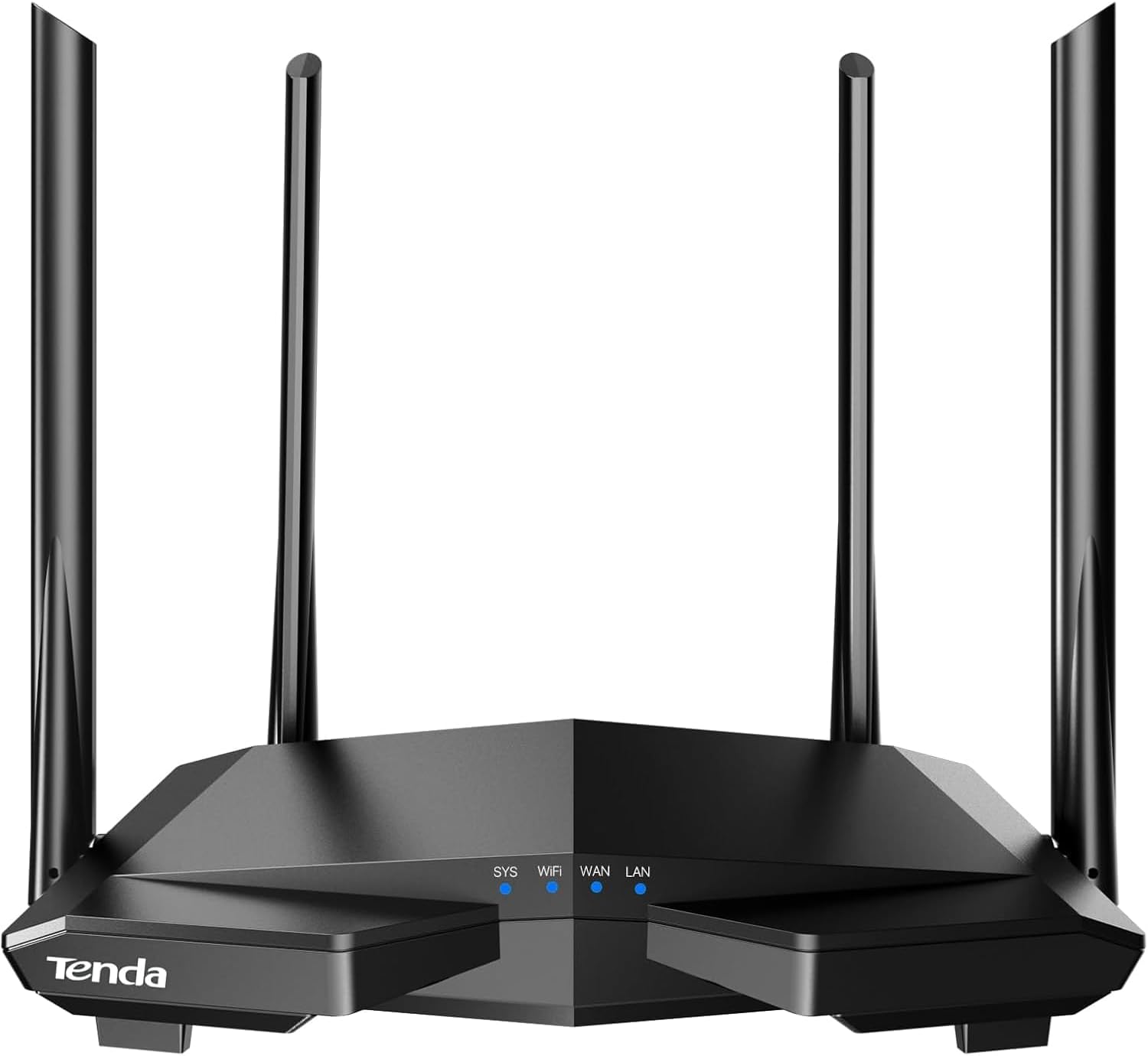




The growing number of connected personal and IoT devices has led to an overall increase in network density that is pushing the limits of the current WiFi standard. RT-AX1800S is a 2×2 dual-band WiFi router that provides 80MHz bandwidth and 1024-QAM for dramatically faster wireless connections, greater coverage and improved battery life for connected devices, providing a significantly better networking experience for users. Disclaimer: Actual data throughput and WiFi coverage will vary from network conditions and environmental factors, including the volume of network traffic, building material and construction, and network overhead, result in lower actual data throughput and wireless coverage.
New-Gen WiFi Standard – WiFi 6(802.11ax) standard supporting MU-MIMO and OFDMA technology for better efficiency and throughput.Antenna : External antenna x 4. Processor : Dual-core (4 VPE). Power Supply : AC Input : 110V~240V(50~60Hz), DC Output : 12 V with max. 1.5A current.
Ultra-fast WiFi Speed – RT-AX1800S supports 1024-QAM for dramatically faster wireless connections
Increase Capacity and Efficiency – Supporting not only MU-MIMO but also OFDMA technique to efficiently allocate channels, communicate with multiple devices simultaneously
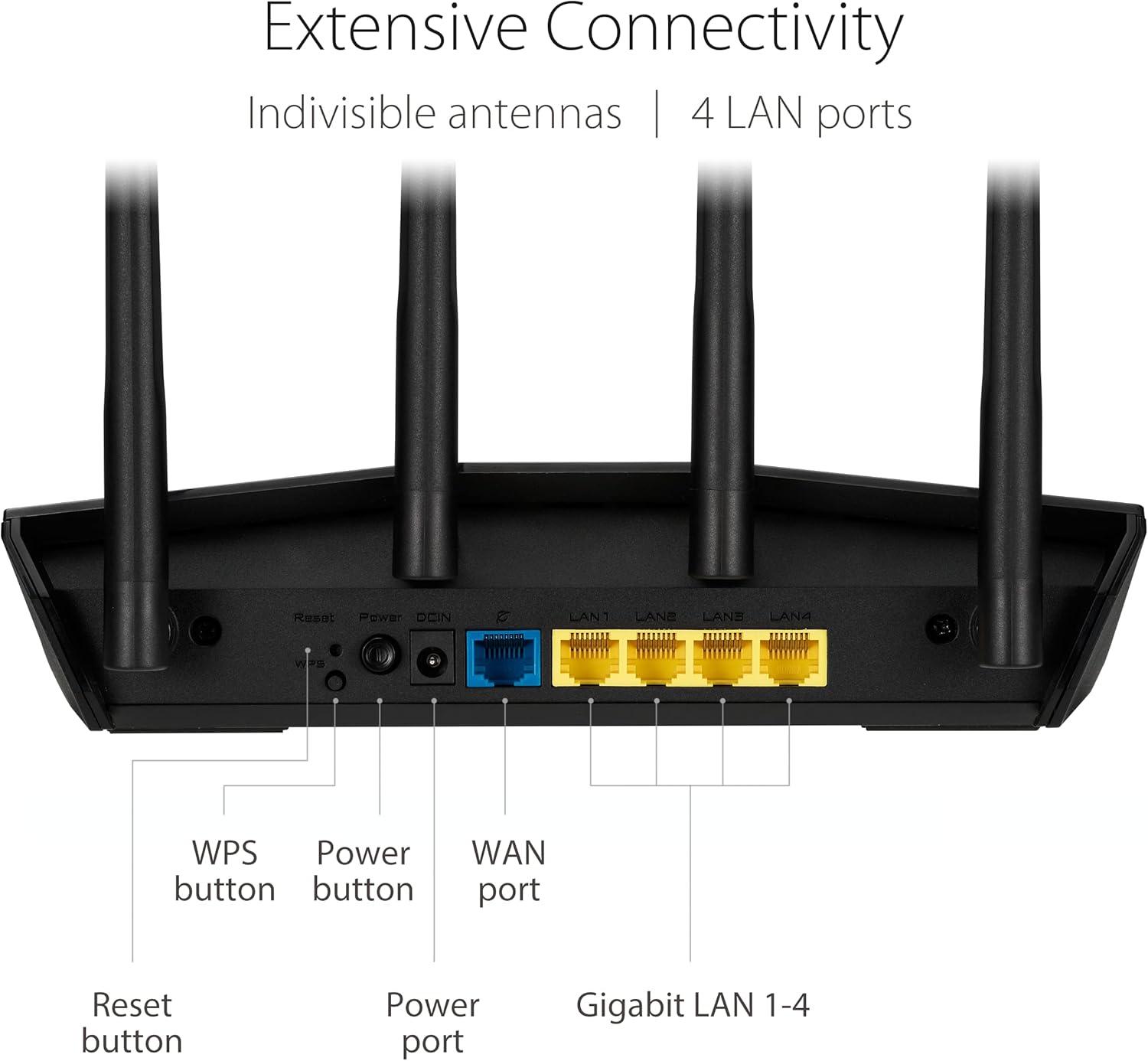
5 Gigabit ports – One Gigabit WAN port and four Gigabit LAN ports, 10X faster than 100–Base T Ethernet.
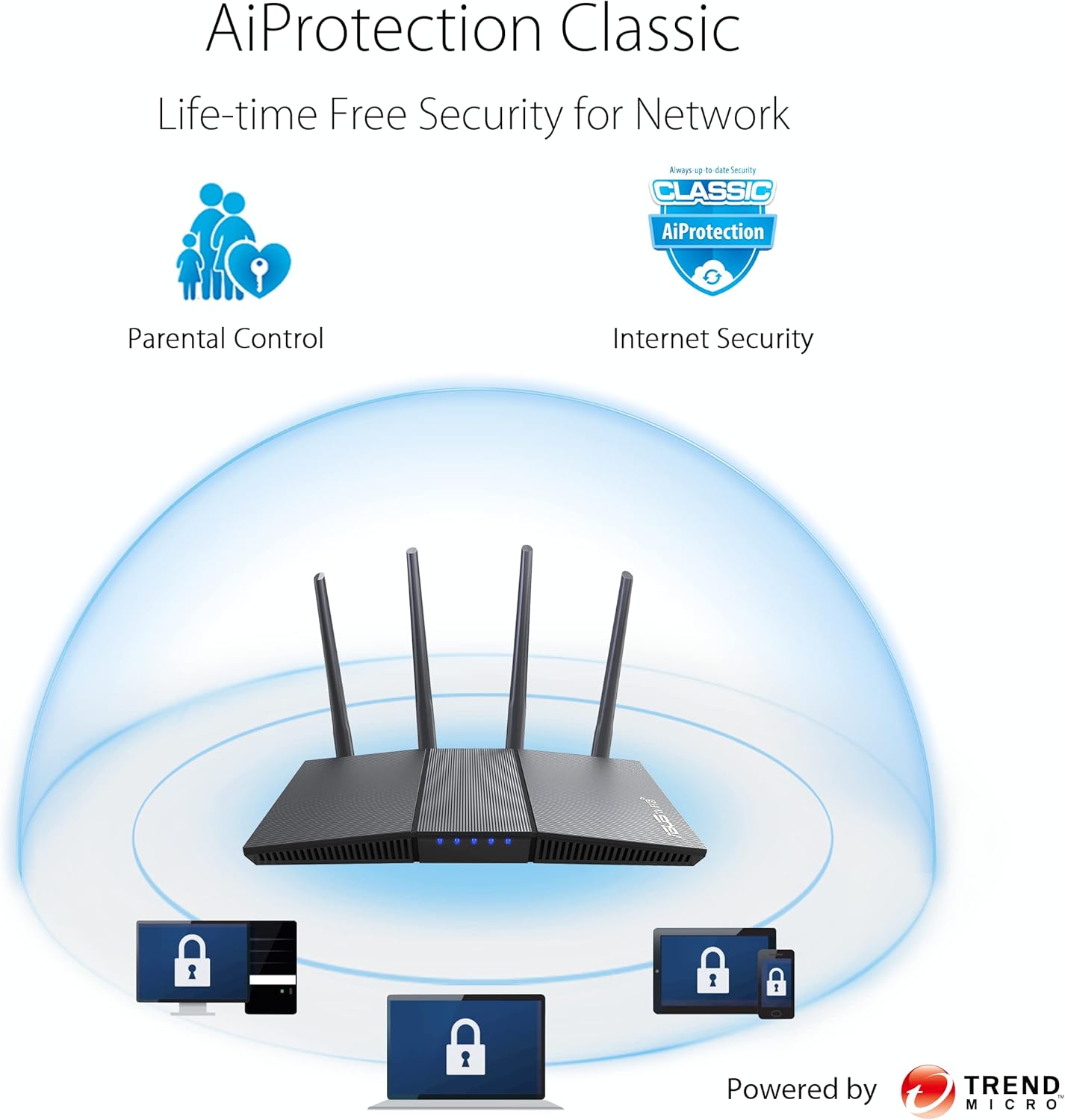
Commercial-grade Security Anywhere – Protect your home network with AiProtection Classic, powered by Trend Micro. And when away from home, ASUS Instant Guard gives you a one-click secure VPN.
Actual data throughput and Wi-Fi coverage will vary from network conditions and environmental factors, including the volume of network traffic, building material and construction, and network overhead, result in lower actual data throughput and wireless coverage.
9 reviews for ASUS RT-AX1800S Dual Band WiFi 6 Extendable Router, Subscription-Free Network Security, Parental Control, Built-in VPN, AiMesh Compatible, Gaming & Streaming, Smart Home
Add a review
$69.99
crasagam –
These are great routers.
I’ve ordered a few dozen of these over the years. They work great. Customers generally have no issues setting them up or maintaining them. Signal is strong and extendible if you need to reach the front/back yard.
Kevin N Tankersley –
Very pleased! Works great, simple setup
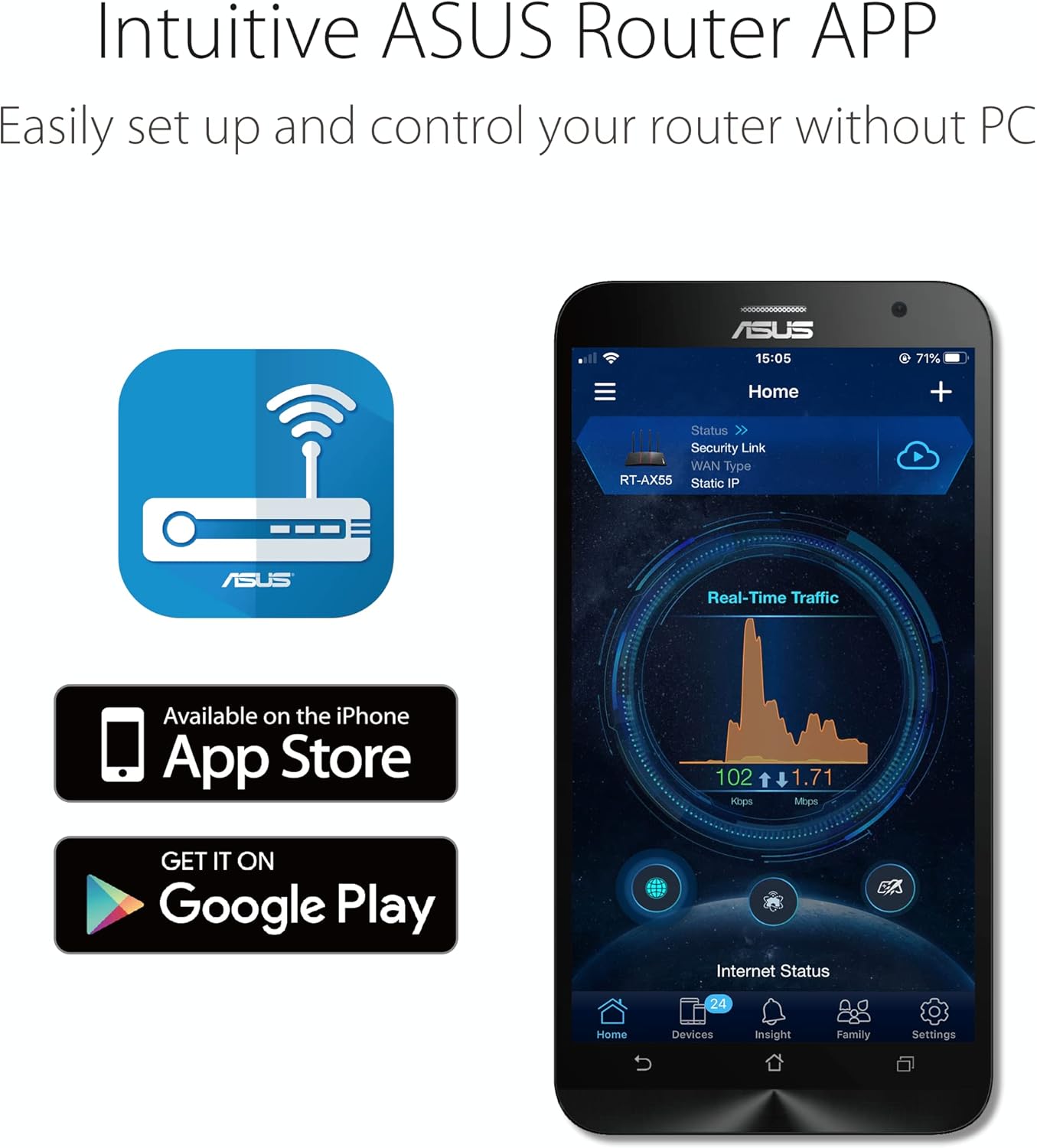
I bought these to extend wifi via AiMesh with my ASUS RT-AX86U router, which does really well already, but has difficulty getting strong signals to my garage and sunroom because they are add-ons and are outside the original house walls which have the aluminum backed insulation boards = almost no signals get in or out.I placed one device in garage and sunroom at the closest wall outlet possible. The router signal was weak, but present.Setup is simple, but not necessarily straightforward. I recommend using Asus router app with AiMesh if you can.Plug device in wall VERY near router. Go through setup instructions. Once synced, move to desired location outlet and wait/watch for proper signal acquisition with lighting.***I will note here that even when testing the devices throughout the house on other outlets where router signal was strong, they didn’t want to connect. KEEP TRYING!! I had to unplug and plug several times.Now, I have strong seamless signal in all areas and even 20-40 ft beyond house walls.Pros:-relatively simple setup-good price-plugs directly in wall outlet (no cords)-very good wifi extension range-seamless transition throughout areas with AiMeshCons:-once plugged in, no room for 2nd plug in wall outlet-devices pair well originally when very close to router, but then seemingly have difficulty reaquiring signal when moved elsewhere, even where signal is strong (keep trying!)
scuba steve –
NOT made in China. Fast, excellent security.
You can verify everything written here is true with a quick google search. Talking to you, Amazon.While ASUS does source some production to China, ASUS is a Taiwanese company and the sticker on the router states “Made in Vietnam”. I’m inclined to believe that. The product origin on this page states “China” but I doubt, and hope, that’s not true. You may not think it matters, but it does more than you might know.Most consumers only care about speed and affordability when it comes to routers, but it should be security at the top of the list. All your data flows through your router, including personal and financial data. Security flaws in your network can also affect neighboring networks around you. If you buy a cheap router based on speed capability alone with security flaws built in, either intentionally or not, you’re basically paying to be hacked, or for your neighbors to be, or possibly unknowingly being a conduit for attacks on your entire country. It has happened in the past, it’s still happening, and will continue to happen.Most routers today are produced in China. Even companies based in the US produce there and it’s very hard to find one that’s not made there. The problem with routers made in China is that ultimately, businesses there are controlled by the CCP government, not the business owner. This allows their government to implement whatever they want in their exported tech and products. It’s why some of their tech companies like Huawei have been banned in numerous countries. Routers made in China from brands like Wavlink which are sold in big retail stores across the US have been found to contain hidden back doors and intentional security holes and vulnerabilities to malware like Mirai. Basically open doors for hackers. Some of these back doors have been used in the past to launch cyber attacks (Mirai botnet) on the US which caused major network outages, as well as in other countries. From a cybersecurity perspective, these look a lot like “trial runs” to me. But speculation and paranoia aside, why take the chance on inviting that kind of tech into your home? It wasn’t an isolated, one time event when these back doors were discovered, and it was with various routers and companies out of China. Again, all this is verifiable with the slightest amount of research using credible sources.I have tried some routers made in China. I could tell they had horrible security just by using the app, or during setup. One was capable of remote access, yet the option to turn it on or off was non existent. It didn’t even ask during set up and the option was nowhere in the app. Remote access should always be turned off, unless you need to access your router from outside your home, which is rarely needed for the average user. If it’s on, it’s just an unnecessary access point open for hackers to attempt access. It might have been possible to check by connecting directly to it using the Web UI, but instead I just returned it and went on the hunt for non-Chinese routers. It took a lot of research since there aren’t many, but finally landed on this one.I am much, much happier with this ASUS router and it seems very security focused! There are numerous security options available in the app, and also asks you about remote access during set up. It has AI Protection by Trend Micro built in (included free of charge) which constantly monitors your network for viruses and intrusions and even blocks harmful websites. You can also monitor all connections and traffic through the app. There are even additional apps you can download for more functionalities.As for speed, WiFi 6 is awesome. This thing is lightning fast to my previous ISP provided router and much more stable. If you’re not familiar with WiFi 6, it’s not really a speed booster. It provides a more stable connection though, even in very signal-congested areas such as apartments or offices where there’s numerous routers and networks overlapping and causing interference. This more stable connection will often times yield higher speeds. Your PC and various hardware must be WiFi 6 capable to utilize it, but there are cheap and affordable USB adapters available to enable it on your PC if it’s not already capable. Aside from that, the 5GHz signal is stable and fast, even without WiFi 6. 2.4GHz is not bad at all either. There are options in the app to monitor what’s connected at all times and you can even limit bandwidth to certain devices, or ban them from connecting completely if you want to streamline your connections.There are a lot more features to this router, which are easily accessed from the app which appears extremely robust compared to the anemic apps I used with the Chinese routers. Those seemed like toys compared to this. I haven’t tried Ai Mesh, but it is yet another useful capability of this router.Completely happy with this router based on speed, stability, capabilities, and most of all, security!
HeyMike –
Good extender if….
This extender is a good choice if you have an ASUS brand router to extend, and you prefer mounting it in a power outlet. If you have another brand access point main router, I would not choose this extender. Although it has good rage, it is a little difficult to set up in my opinion. (I have a set up tip later.) It is a little expensive, and may not work consistently with other brand routers in my experiences. I will explain those issues later. For non ASUS routers, I have had better experiences with the inexpensive TP-Link RE315, or if you want better performance, the RE715x.If you want to extend an ASUS router, I would suggest buying another ASUS router and using it in a mesh configuration for the same price as this extender. (Like the RT-AX58U) The second router will have better range, better specs and have support for a guest network. If you want to set up an ASUS AI Mesh configuration and prefer to use a power outlet, this extender is your only option. Once set up correctly, this extender has been solid for me. It is configured by logging into your main ASUS router from either a web browser or the ASUS router app. No account sign up is needed. Both work good. The app is easier to use. The web browser has other options not available in the app. Both the access point and extender are configured through the access point main router including firmware updates and all the settings. No further need to log into the extender.Now the not so good. This extender does not extend a guest network if you have one set up. To login to the extender, there is an ASUS “extender” app (as opposed to the ASUS “router” app) When I purchased this extender, the “extender” app constantly crashed. ASUS recently updated the app after ignoring it for a few years and it may work better now. I had to use a web browser for initial login. (You can also use the “router” app, which did not crash.) If you have a different brand main router, log into the ASUS extender and search for your wireless network. Join the network using your wireless password. The extender should connect and extend your network. This has not been consistent with non ASUS routers for me and the connection drops for short periods sometimes in my experience.If you have an ASUS main router, my big tip is to connect the extender with an Ethernet cable to the access point router. (Only if it is an ASUS router.) Trying to set up the extender wirelessly was hit or miss to say the least. Basically, you log into your ASUS main router, go into the network map and add an AI Mesh extender by searching for it. (Follow the instructions supplied with the extender.) I definitely suggest using the Ethernet cable for initial set up. Use the same WiFi SSID for all the signals except the guest network if you have one or turn on smart connect. After set up, you can disconnect the cable and place the extender anywhere it can reach a signal and it will automatically set up the WiFi mesh. All mesh routers, extenders, clients, and their traffic, is monitored and configured through the access point. Very nice.
Nonya –
Works well!
Roman Ramirez Bernal –
Una maravilla sobre todo porque el modem de izzi era muy inestable la conexion, tenemos 1000 MB y con este router trabaja bastante bien la conexion tanto cableada como inalambrica
Bernardo Chagoya Torres –
Fabuloso producto la red funciona excelente y el alcance es muy bueno.
Mary E Adams –
This is my second order and this appears to be a great company to deal with!
BW –
Bonjour,Je tiens à dire en premier lieu que le produit est d’excellente facture et permet de s’adapter à une multitude de configuration, sauf à la mienne et à tout ceux qui veulent se connecter via se routeur au réseau Mesh NordVpn ( a ne pas confondre avec le système Mesh de Asus qui lui est fonctionnel) .Si vous voulez utiliser seulement la protection NordVpn derrière ce routeur cela fonctionne sans problème après l’avoir paramétrée.La protection NordVpn activé sur ce routeur ne permet pas d’intégrer ce routeur au réseau Mesh NordVpn lié à votre compte …Donc ce routeur reste invisible dans le réseau Mesh NordVpn de votre compte et reste donc inaccessible pour un accès distant.Pour finir, certain PC portable comme Mon HP EliteBook 840 ne peuvent pas se connecter au nouveau Wifi de ce routeur !!!De ce fait, Retour à l’expéditeur…NB: en cas de refus de publication AMAZON, merci de préciser CLAIREMENT le motif… Cdlt