
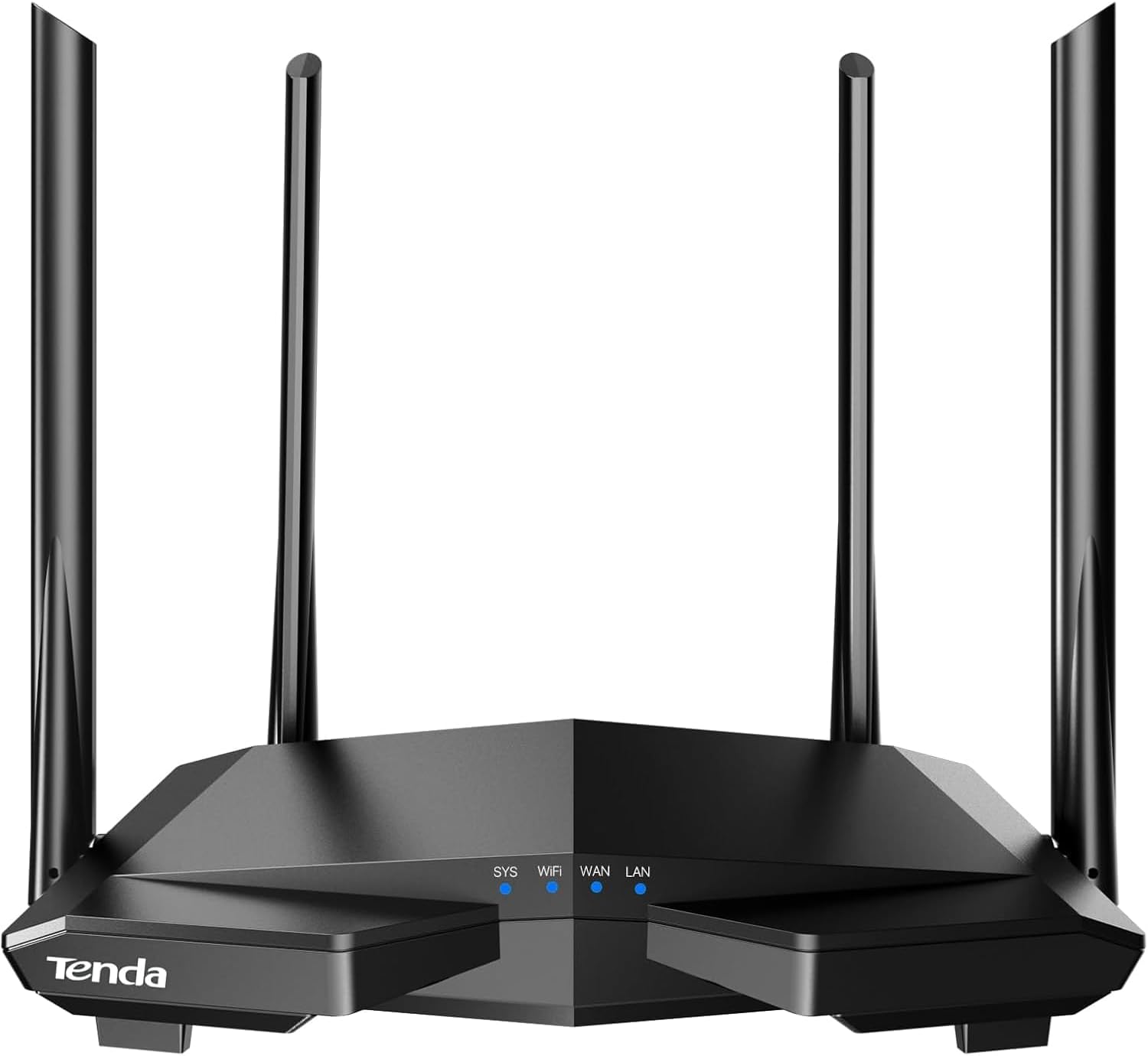
Tenda AC1200 Smart WiFi Router, High Speed Dual Band Wireless Internet Router with Smart APP, 4 x 100 Mbps Fast Ethernet Ports, Supports Guest WiFi, Access Point Mode, IPv6 and Parental Controls(AC6)
$27.99
Related Products





Product description
The video showcases the product in use.The video guides you through product setup.The video compares multiple products.The video shows the product being unpacked. AC6 wifi router Merchant Video
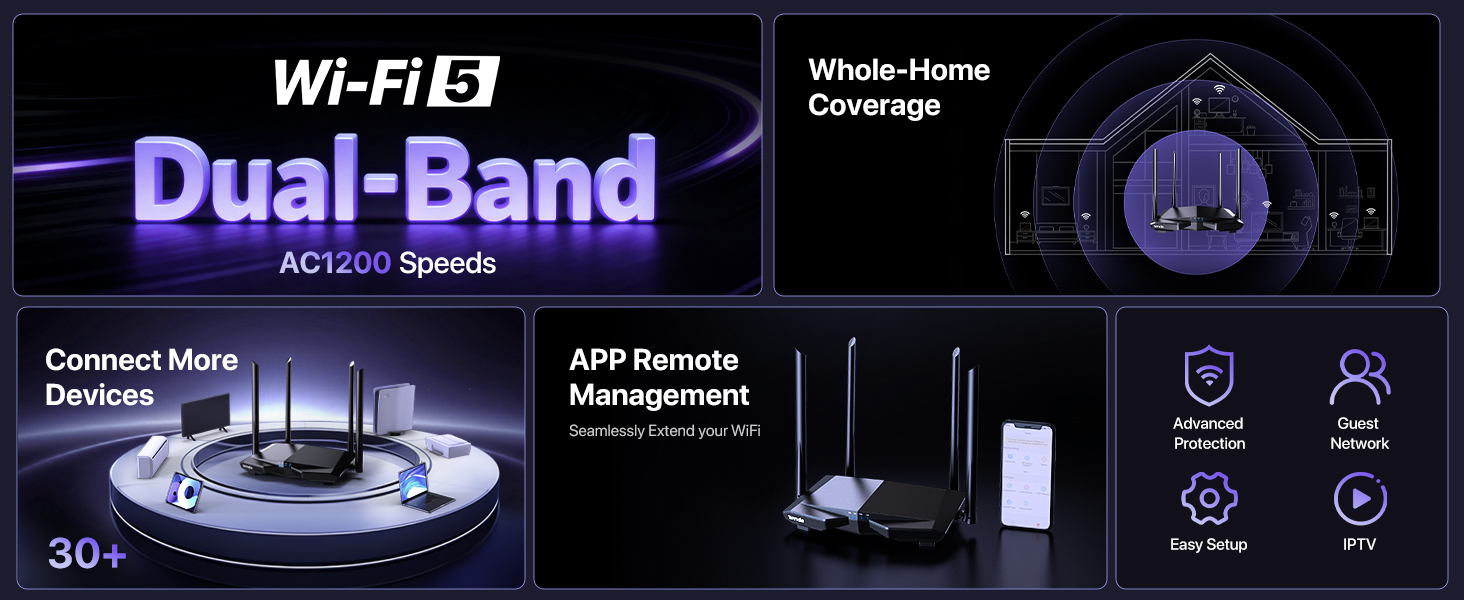
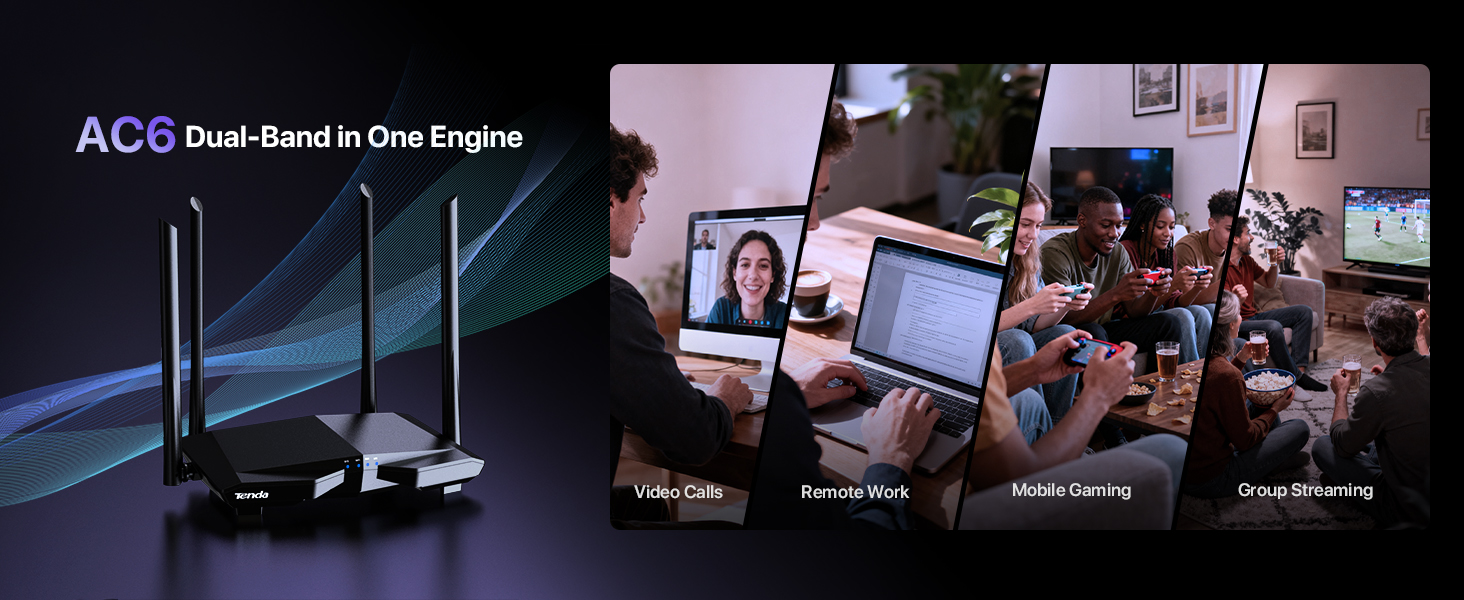
1 Dual-Band in One
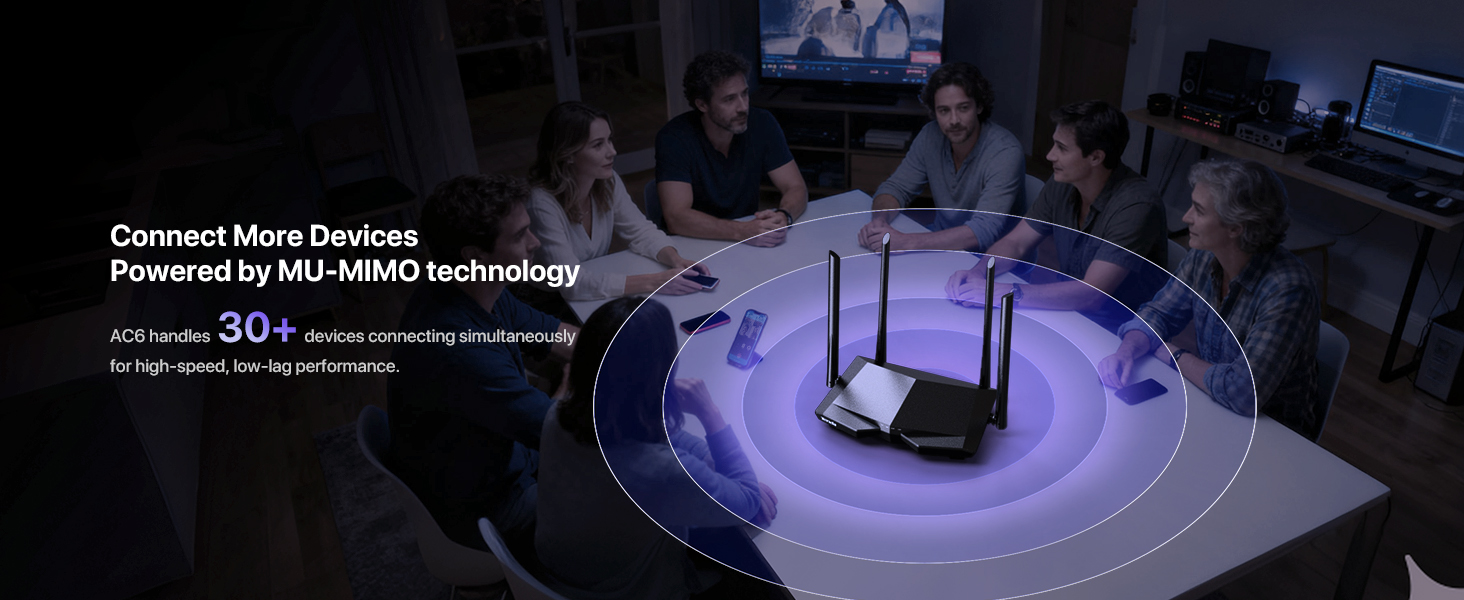
2 MU-MIMO Technology
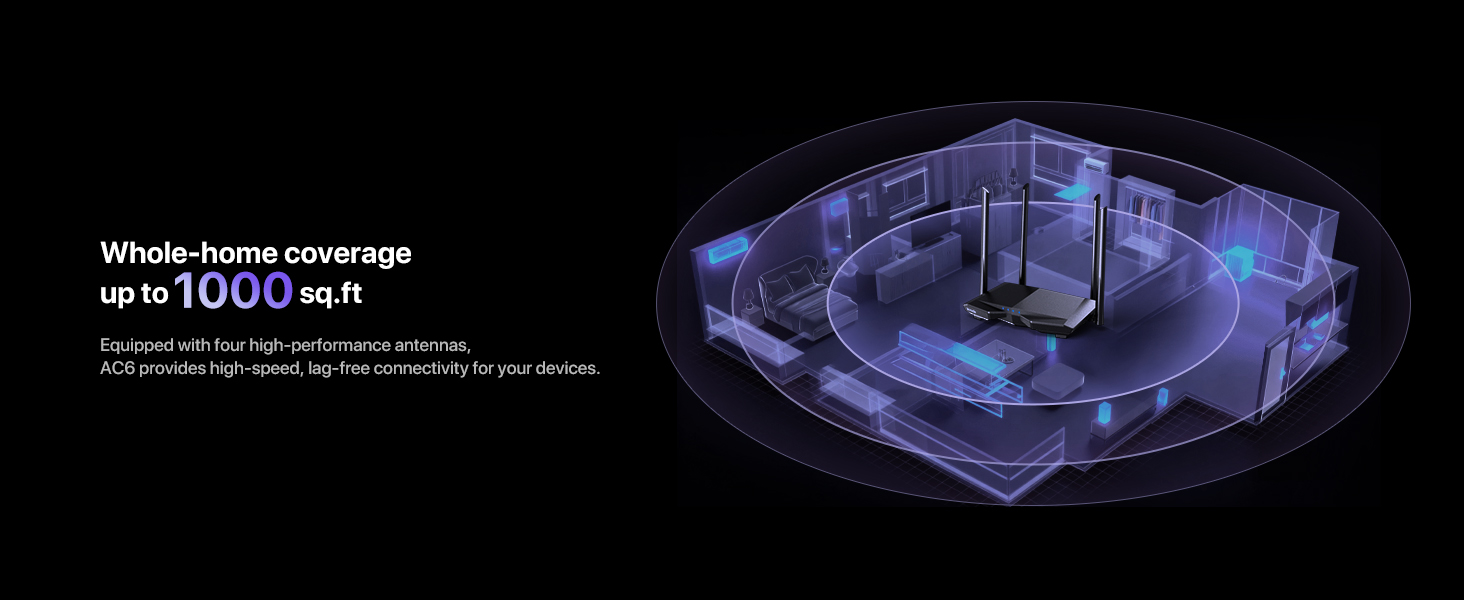
3 Whole-home Coverage
Tenda Router Series -Meet an Excellent Home Network Solution
Add to Cart
Add to Cart
Add to Cart
Add to Cart
Add to Cart
Add to Cart
Add to Cart
Customer Reviews
4.0 out of 5 stars 18,459
3.4 out of 5 stars 4
4.0 out of 5 stars 610
4.3 out of 5 stars 150
4.3 out of 5 stars 1,135
4.2 out of 5 stars 287
3.6 out of 5 stars 123
Price
$27.99$27.99
$151.99$151.99
$35.99$35.99
$47.49$47.49
$37.99$37.99
$37.99$37.99
$77.99$77.99
WiFi Specification
AC1200
BE7200
AC1200
AX3000
AX1500
AX1500
BE5100
WiFi Protocol
WiFi 5
WiFi 7
WiFi 5
WiFi 6
WiFi 6
WiFi 6
WiFi 7
Band Type
Dual-Band
Dual-Band
Dual-Band
Dual-Band
Dual-Band
Dual-Band
Dual-Band
Band Speeds
5 GHz:867Mbps, 2.4 GHz:300Mbps
5GHz:5765Mbps,2.4GHz:1376Mbps
5 GHz:867Mbps, 2.4 GHz:300Mbps
5 GHz:2402Mbps,2.4 GHz:574Mbps
5 GHz:1201Mbps,2.4 GHz:300Mbps
5 GHz:1201Mbps,2.4 GHz:300Mbps
5 GHz:4323Mbps,2.4 GHz:688Mbps
Antenna Specification
4*6dBi
5*6dBi
4*6dBi
5*6dBi
5*6dBi
5*6dBi
5*6dBi
Ports
3*LAN+1*WAN
2*2.5G+3*1G WAN/LAN
2*LAN+1*WAN
3*LAN+1*WAN
3*LAN+1*WAN
3*LAN+1*WAN
4*Auto-sensing network port
APP
✔
✔
✔
✔
✔
✔
✔
Wireless Repeater
✔
✔
✔
✔
✔
✔
✔
WPS
✔
✔
✔
✔
✔
✔
✔
WiFi+
✘
✔
✘
✔
✔
✔
✔
OPENVPN
✘
✔
✘
✘
✘
✘
✔
How do I perform the initial product setup?
You can search for the setup guide on the TENDA official website, or scan the code on the product packaging to find the corresponding initial setup instructions.
Why can’t the product restore to factory settings?
This function is combined with the WPS function. Follow the steps provided in the user manual to use it normally.
What should I do if I see “Not compatible with Spectrum” or “Remote server not responding” when using this product?
Don’t worry—this product works with Spectrum. The messages come from temporary modem settings, not actual incompatibility.
How do l restart the modem?
Unplug your Spectrum modem’s power cord.
Wait 30-60 seconds.
Plug it back in and let it reboot (about 2-3 minutes).
𝐀𝐂𝟏𝟐𝟎𝟎 𝐃𝐮𝐚𝐥-𝐁𝐚𝐧𝐝 𝐖𝐢𝐅𝐢 𝐑𝐨𝐮𝐭𝐞𝐫 𝐟𝐨𝐫 𝐇𝐨𝐦𝐞 — Ideal for gaming, 4K streaming, downloading and more with Wi-Fi speeds up to 1.2 Gbps (867 Mbps on 5 GHz band and 300 Mbps on 2.4 GHz band)
𝐒𝐭𝐫𝐨𝐧𝐠 𝐖𝐢𝐅𝐢 𝐒𝐢𝐠𝐧𝐚𝐥 𝐂𝐨𝐯𝐞𝐫𝐚𝐠𝐞 — Equipped with Four Powerful 6dbi Antennas and Beamforming technology, wireless router AC6 delivers high speed internet throughout your home
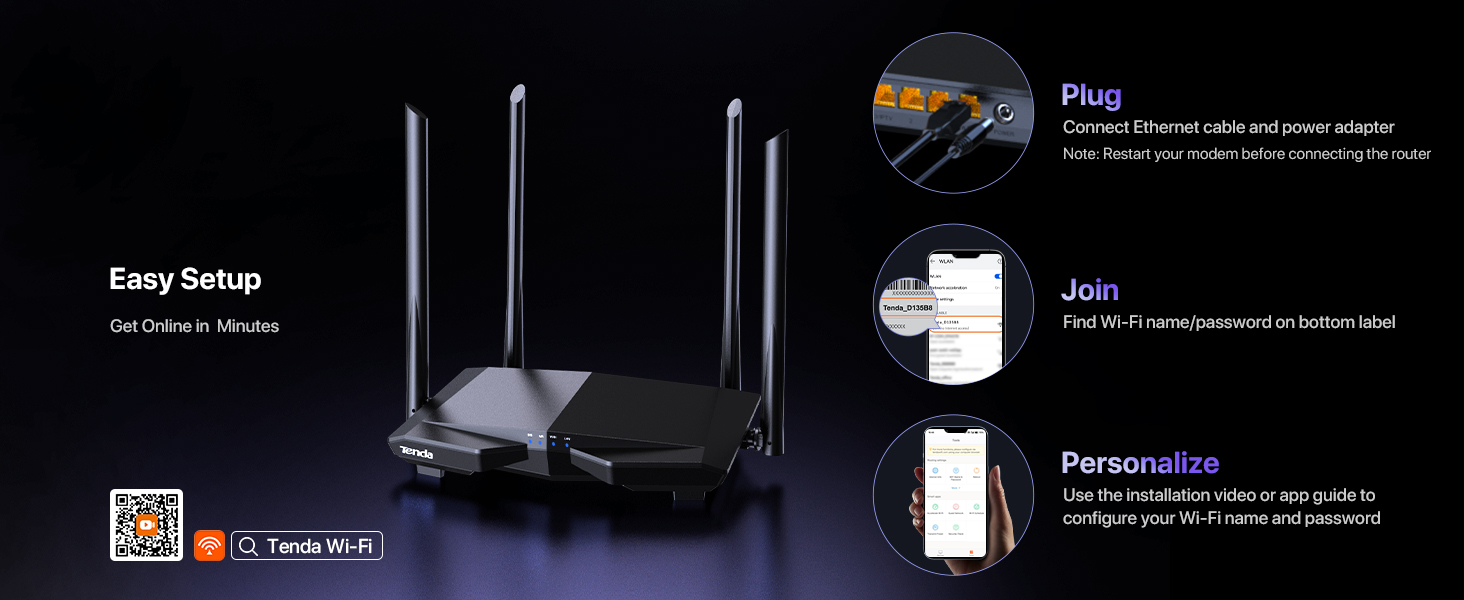
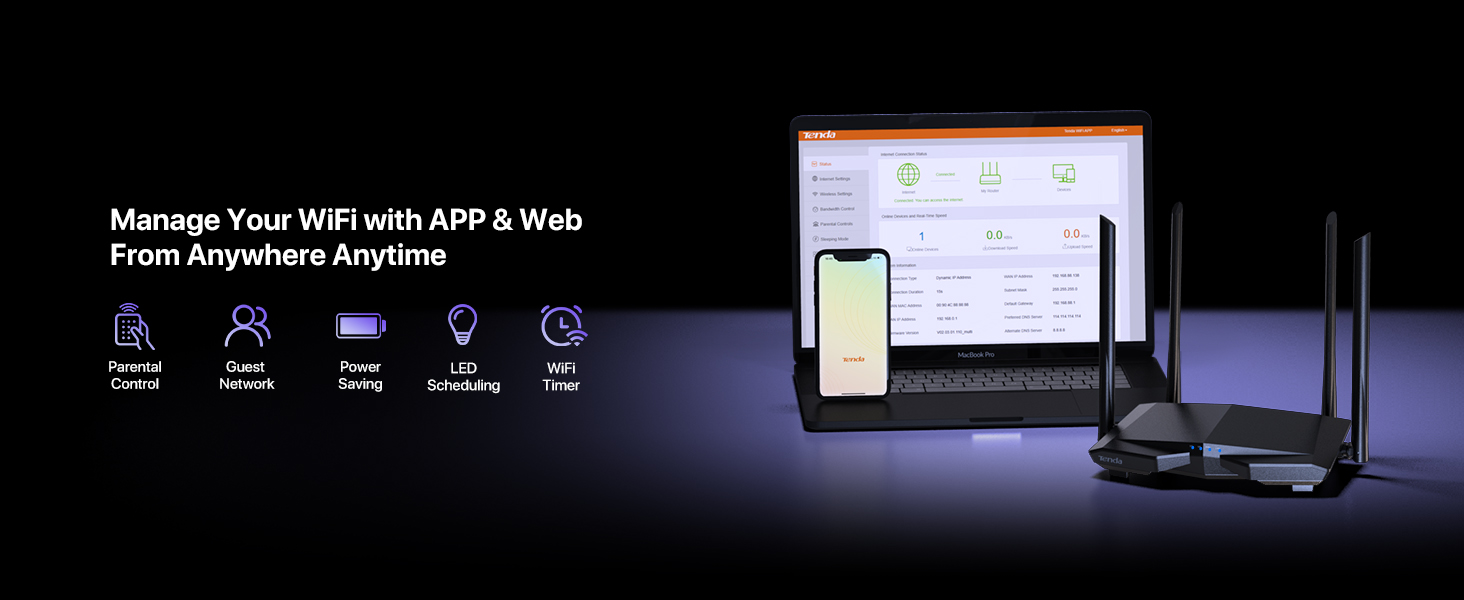
𝐄𝐚𝐬𝐲 𝐒𝐞𝐭𝐮𝐩 𝐢𝐧 𝐦𝐢𝐧𝐮𝐭𝐞𝐬 𝐰𝐢𝐭𝐡 𝐀𝐏𝐏 — The Tenda Wi-Fi APP helps you to setup, monitor, & manage your home or guest network easily & quickly. You can monitor the network status & schedule Internet access for your children via built-in parental controls
𝐀𝐜𝐜𝐞𝐬𝐬 𝐏𝐨𝐢𝐧𝐭 𝐌𝐨𝐝𝐞 — Supports AP Mode to transform your wired connection into wireless network, an ideal wireless router for home
𝐌𝐔-𝐌𝐈𝐌𝐎 𝐓𝐞𝐜𝐡𝐧𝐨𝐥𝐨𝐠𝐲 — (5GHz band) allows high speeds for multiple devices simultaneously
11 reviews for Tenda AC1200 Smart WiFi Router, High Speed Dual Band Wireless Internet Router with Smart APP, 4 x 100 Mbps Fast Ethernet Ports, Supports Guest WiFi, Access Point Mode, IPv6 and Parental Controls(AC6)
Add a review
$27.99
Mohit mohit –
Good router for the price – stable connection and easy setup
I’ve been using the Tenda AC1200 router, and it works well for everyday internet use. The setup was quick and easy through the web interface, and the connection has been stable. WiFi speed is good for streaming, browsing, and using multiple devices at the same time. The signal strength is decent and covers my apartment without major issues. It’s a good budget router if you don’t need very high-end features. Overall, it offers reliable performance and great value for the price.
Simone Francis –
Wifi router is a good choice
The wifi router works very well. I have no issue with it. Range is good, easy setup, and easy to control
Just Me –
Good not perfect. Long Review.
Okay let’s start with basics.I have used Tenda and TP Link for several years. No issues. My last TP Link AT pocket router never gave me any trouble for several years. Then it took a surge.I was originally going with a cheap Linksys, well Linksys is out of date since Cisco sold them. Kind of like an old name just hanging on. The biggest problem with Linksys is they do not support NO-IP DDNS (a must for me). I use TP Link Switches, and Routers, Tenda Routers. No problems so far. I even have to do Mac Filtering because of my situation.TP Link, Tenda and Netgear all support NO-IP DDNS.You must understand this does not say it is a Wired Gigabit router. It also shows right on the picture that there are only 3 lan and one wan port. I may find out different later but this router works just fine for me. I would buy a more pricey router but this specific unit has two locations. Very hot shop and one for tablets only.If you are looking for a router that can handle a very high speed connection this is not for that. This is an entry level unit. One person said it did not have AP Mode. Not gonna dispute that because maybe it was a different firmware, but mine does have that feature.The device was simple to set up although I do have to say I was a bit dissappointed that some of the advanced features such as the lan settings are not available until you connect the lan wire.Couple more things, some were complaining of disconnects. Well I can tell you wireless is not and will probably never be perfect. At one of my jobs I have integrated a WiFi outdoor system through 4 separate isp connections all combined into one online manager system. The setup requires 6 routers, 23 access points and 30 point to point radios. And it does work. It’s limited due to several hundred connected devices but it works. Total shared band width for everyone is 1,300 mbs. May upgrade to 2,000mbs soon. Don’t say not possible, remember I have 4 business level connections.Even though it works one car parked in the wrong place can cause interference and block some signal or scatter it. Same in the house.If two story put upstairs not down. Don’t hide behind the TV or near a Microwave or cordless phone. Even baby monitors can be a signal killer.As far as corrupted routers, I saw people were flashing with third party firmware some were refurbs. When you buy not from a known source that can happen.
jDally987 –
DO NOT buy this brand. Seriously. MAJOR security holes
I won’t even lie. This router worked great for me – strong signal, fairly insane speeds; I was getting 75mbps down (5GHz channel) and I’m pretty sure I only have a 30mbps Comcast plan. Good admin interface, everything checks out, and the price sure was right.But some vulnerability/backdoor (specifically something IPV6-related, as I noticed lots of strange traffic through that, and I normally never used ipv6 previously) got my ENTIRE house full of computers infected with a Windows Management Instrumentation (WMI) related malware, where the attacker remotely modified my Windows installation to be set up as an Active Directory client, as if my PC thought it was on a corporate network, beholden to the IT administration’s control. So my group policies almost all set themselves to “Managed”, and I couldn’t change them myself. It also spread itself to any new USB media I made with windows’ official Media Creation Tool, I believe through auto-generated malicious autorun.inf’s under invalid pathnames, like D:System Volume Information::autorun.inf (windows doesn’t allow colons in pathnames), among many other weird and not-easily-detectable signs of tampering in my machine. Before I even noticed something was amiss, it had taken control of all the other PCs in the house including my girlfriend’s. Even after a full drive wipe on any given computer, the malicious presence remained in the background.Just google “Tenda vulnerability”, specifically Loki Labs’ article “Tenda, is this a bad design or a backdoor?” to see what I’m talking about. Also read up on WMI malware, such as the recent Astaroth malware which I think might’ve been part of the type of virus I acquired, and how notorious and ancient it is as a method to compromise computers remotely. If you buy+use this router for a few days it’s likely you’ll even pick up a remote attacker on your network and not be able to notice it, except for some innocent-looking COM Surrogate Provider, rundll.32, Font Caching etc. (the list goes on and on) processes that blend in entirely with the operating system, because they are built-in to it. You’d be surprised just how insidious this type of infection can be, especially if you try to remove it without locking down your home network security impeccably before starting the reinstalls and everything.I’ve been tinkering with computers since I was almost a baby; develop software for a living and I’ve never seen anything quite like this until now. I’m still trying to get rid of it completely, after 2+ weeks of late nights and headaches, thinking I might’ve vanquished it this time only to find another subtle but unmistakable sign of infection. I’ve obviously ripped this router out and am preparing to return it, using my old wireless-N router for the moment, but even still this stupid attack seems to persist on all my computers, even on Ubuntu/linux (!!!), as I believe it got access to some of my laptops’ UEFI firmware somewhere along the way… it’s terrible, trust me, just don’t mess with the Chinese brands if you value your time and privacy. I never cared either until this incident but you can bet your butt I have learned my lesson, firmly.
Ling g –
Works Great and Easy Setup
Very good router. It provides a strong, reliable signal and was very easy to get up and running. Great value!
Tom –
Easy connection to my Xfinity NOW WiFi Pass
This is a fantastic product. I use it to connect my Xfinity NOW WiFi Pass in an office, and then connect all my customer devices for WiFi access. Easy to set up, and great app on the Android app. Highly recommended, you won’t be disappointed. Great instructions and simple to follow.
MADMAX545 –
Worked well in the time we had it. We used this to boost our wifi signal as it was terrible with the original router we had. It worked very well.
Alex W –
Wer hier erwartet eine Alternative zur FritzBox zu erhalten oder gar eine Verbesserung zu dieser, der ist hier falsch.ABER: Wie immer kommt es auf den Verwendungszweck an.Der Router war sehr günstig, ich hatte eigentlich gar nichts erwartet, allerdings läuft er jetzt seit mehreren Wochen und ich hatte keinen Ausfall oder anderweitig Probleme.Für alle die nicht viel lesen wollen: Als günstiger AccessPoint oder Repeater ist er einwandfrei und die beste Wahl wenn man geringe Ansprüche an Bedienung hat. Preislich genial. Erfüllt seinen Zweck und hat sehr gute Reichweite und die Geschwindigkeit passt auch.Für alle die etwas genauer wissen wollen, wie er sich schlägt:Zuerst zur Einrichtung:Die Bedienoberfläche ist sehr primitiv gestaltet, die wichtigsten Funktionen sind dabei, logischerweise Sicherheitsstandards und Betriebsmodi etc. sogar Energiesparoptionen sind dabei. Ansonsten eine eher kahle Landschaft.Die Einrichtung war dennoch kinderleicht und sehr zügig. Ich nutze ihn allerdings auch als AccessPoint, daher musste ich eigentlich nichts einstellen, da der Router einen AccessPoint Modus besitzt.Zur Geschwindigkeit:Ob per LAN oder WLAN für meine Leitung ist der Router perfekt, ich merke keine Leistungseinbußen im Vergleich zur Fritzbox die den Hauptrouter repräsentiert.Zum WLAN:Unfassbar was außen stehende Antennen ausmachen können :DIst natürlich klar, dass der Router einen Vorteil zu meiner FritzBox 7530 hat, die Reichweite ist sehr groß und kann durch die Antennen gezielt ausgerichtet werden. Super Sache, habe WLAN nun an Stellen wo ich kein Haus mehr hab :DPreis-Leistung:Nun ja, wie gesagt, für den Preis einfach Klasse was man an Technik bekommt.Für alle die viele Einstellungen benötigen und gerne auch tolle Grafiken zur Geschwindigkeit etc. die sollten lieber eine FritzBox kaufen. Ansonsten super Gerät, hat sogar einen Zeitplan um Nachts das WLAN auszuschalten.Klare Kaufempfehlung von mir.
JaviBg –
El router que me facilita la compañía telefónica no alcanza a dar wifi a las habitaciones mas apartadas de mi piso. Durante un tiempo he utilizado un extensor wifi pero era muy inestable, por lo que me decidí a probar con un router que pudiera ofrecerme mejor señal. Me decidí por este router por su precio, pero sin embargo ha cumplido perfectamente con mis expectativas. He conectado el router al router de mi compañía telefónica a través de una cable RJ45.- Pesa poco y no tiene un tamaño excesivo, por lo que se puede situar fácilmente en cualquier lugar, además las antenas se pueden colocar en diferentes ángulos lo cual ofrece mas flexibilidad.- Gran alcance de señal, en mi casa recibo buena calidad y velocidad teniendo 3 habitaciones entre el router y el receptor.- La app para configurarlo es muy útil he intuitiva, no se necesita ningún conocimiento especial, y además incluye herramientas que configura automáticamente para optimizar la velocidad.- Estabilidad de señal y velocidad, llevo usándolo meses y no he tenido cortes o bajas excesivas de velocidad.- Para el wifi 5G requiere estar prácticamente al lado del router para no tener cortes, pero la velocidad es la máxima.- Tiene la opción de apagar las luces, lo que le hace perfecto para tenerlo en el dormitorio, además de otras opciones interesantes como programar a que horas quieres que se apague o encienda el wifi.En conclusión, para una casa o un piso normalito es perfecto, no creo que se necesite nada mas, yo estoy muy contento con la compra.
Siam –
I’ve been running the Tenda AC6 for about a month now after my old Netgear finally gave up, and honestly for the price point this thing is performing way better than I expected. The dual-band setup gives you the standard 867Mbps on 5GHz and 300Mbps on 2.4GHz which isn’t groundbreaking in 2024, but for a two-bedroom apartment with maybe 15 devices connected it’s more than adequate, and the four 6dBi antennas actually push signal to corners where my old router struggled even though it cost twice as much.Setup took literally five minutes, just plugged it in, typed the IP address printed on the bottom into my browser and followed the prompts, no complicated configuration needed unless you want to dig into the advanced settings. The web interface is clean and responsive, though I noticed some menu options have slightly awkward English translations but nothing that makes it confusing to use. The Android app works well for basic monitoring and quick settings changes, I use it mainly to check what devices are connected and occasionally pause internet access for my kids’ tablets when it’s homework time.Performance-wise I’m getting consistent speeds that match what my ISP provides (200Mbps plan), tested with multiple devices and the throughput stays stable even with four people streaming simultaneously. The beamforming feature seems to actually work, my laptop in the home office gets noticeably better signal when I’m at my desk versus walking around with it. One thing that surprised me is the QoS bandwidth control actually functions properly, I’ve limited my work laptop to 50Mbps during the day so my wife’s video calls don’t get interrupted when I’m downloading large files.The parental controls are basic but functional, you can set time schedules and block specific sites though it’s not as sophisticated as what you’d get with an Asus or Netgear router. Guest network setup is straightforward and isolates visitors from your main network properly, tested this with my phone and couldn’t access any local devices which is exactly what you want. IPv6 support works out of the box with my cable provider which saved me some configuration headaches.Build quality feels decent for a budget router, the plastic doesn’t feel cheap and the antennas stay in position without drooping over time. Heat management seems good too, it runs slightly warm but nowhere near the concerning temperatures my old router hit. The only real downside is the ethernet ports are 100Mbps not gigabit, so if you have devices that need faster wired connections this isn’t the router for you, but for wireless-focused homes it’s perfectly fine. For under forty bucks this is honestly stealing, especially compared to ISP rental fees that add up to more than this costs in just a few months.
Pan Miszuk –
Słaba jakość i wolny przesył